Blog
Data recovery tips, product updates, and technical deep dives.

What's New in UndoDisk v1.0
Announcing UndoDisk v1.0 — featuring Quick Scan, Deep Scan, AI recovery, Recovery Vault, and multi-file-system support.

Data Recovery Best Practices for IT Teams
Enterprise-grade data recovery strategies for IT professionals managing fleets of Windows workstations.

File Preview: See Before You Recover
How UndoDisk's file preview feature helps you verify file integrity before committing to recovery.
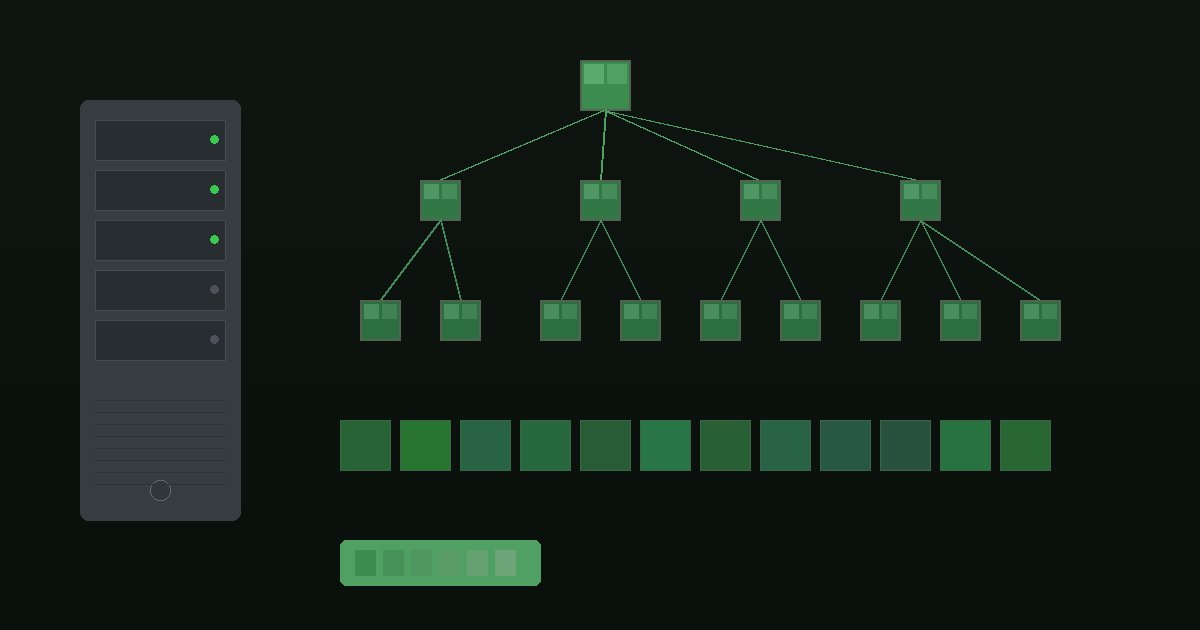
ext4 Recovery on Linux: What You Need to Know
A technical overview of ext4 file system recovery including journal replay, inode reconstruction, and best practices.

Recovering Files from a Formatted Drive
Step-by-step guide to recovering your files after an accidental format using UndoDisk's Deep Scan feature.
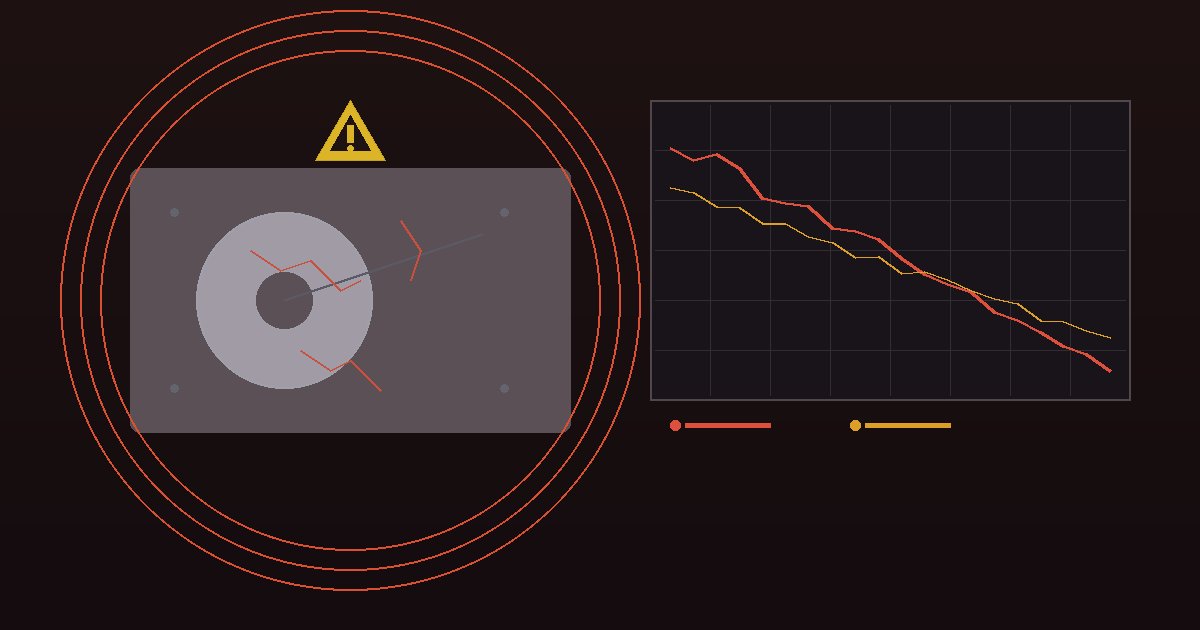
5 Signs Your Hard Drive Is Failing
Learn the warning signs of hard drive failure and how disk health monitoring can save your data before it's too late.

FAT32 vs exFAT: Recovery Differences
Understand the key differences between FAT32 and exFAT file systems and how they affect data recovery success.

Recovery Vault: Proactive File Protection
Learn how Recovery Vault monitors your folders and enables instant file recovery without scanning.

How AI Improves File Recovery
Discover how UndoDisk uses on-device machine learning to score recovery confidence and auto-detect file types.

Quick Scan vs Deep Scan: Which Should You Use?
Learn when to use Quick Scan for fast recovery and when Deep Scan's sector-by-sector approach is worth the wait.