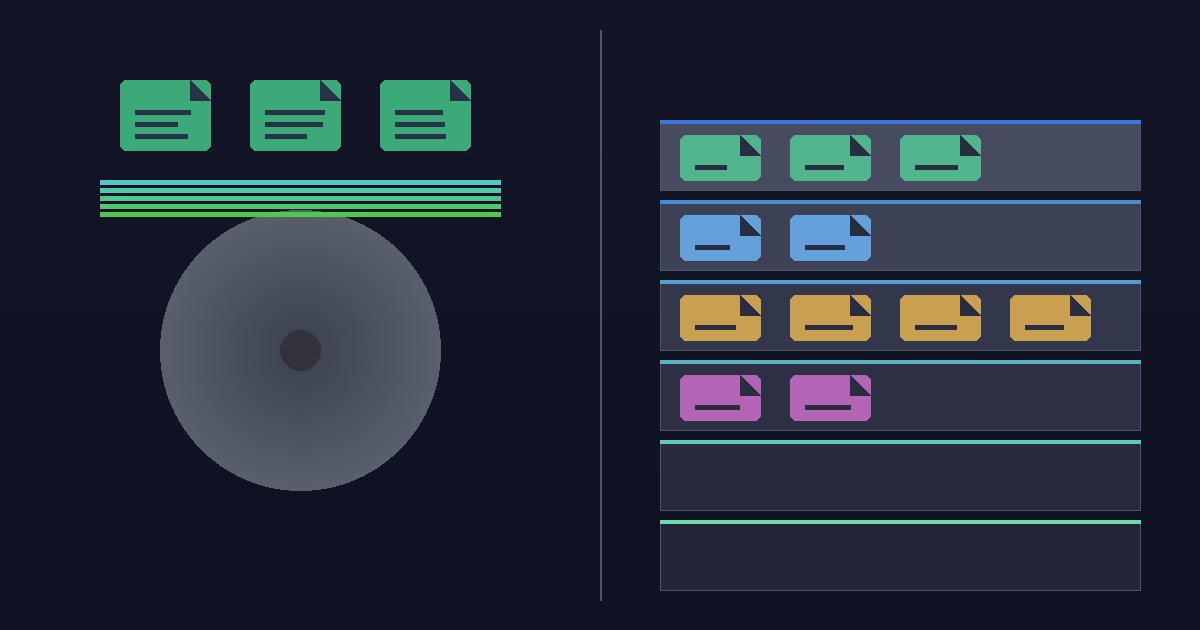
Quick Scan vs Deep Scan
Choosing the right scan type can save you hours of waiting — or ensure you recover files that a faster scan would miss.
Quick Scan
Quick Scan reads file system metadata to find recently deleted files. It completes in seconds and is ideal for accidental deletions where the drive hasn’t been heavily modified.
Deep Scan
Deep Scan operates at the sector level, carving files by their binary signatures. Use it when the file system is corrupted, the drive has been formatted, or Quick Scan didn’t find your file.
Our Recommendation
Start with Quick Scan. If you don’t find what you need, run a Deep Scan for a thorough sector-by-sector search.